I started with a cylinder with 9 vertices and then I enlarged it by the 'Z' axes. After that I put in 5 cut loops and then scaled the loop cuts to make them look like sets of leaves


Rocks
To start the rocks I used a ico sphere, I selected the bottom half of it and flattened it.
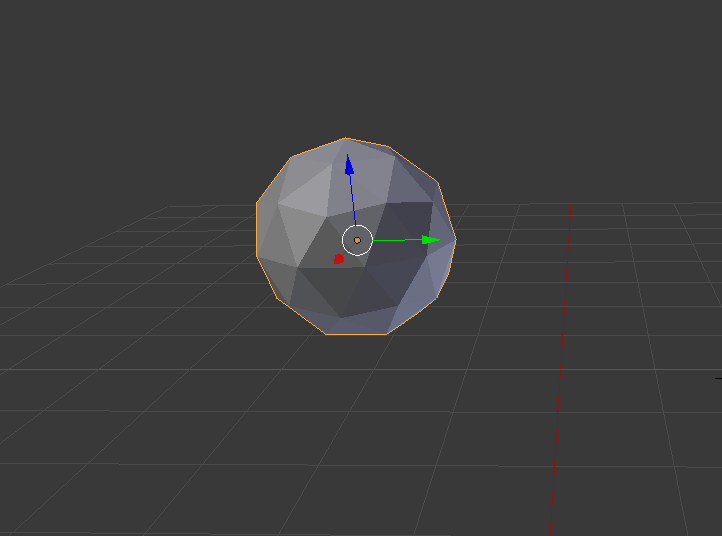
I then selected parts on the sphere and moved them in so it looks dented like a rock
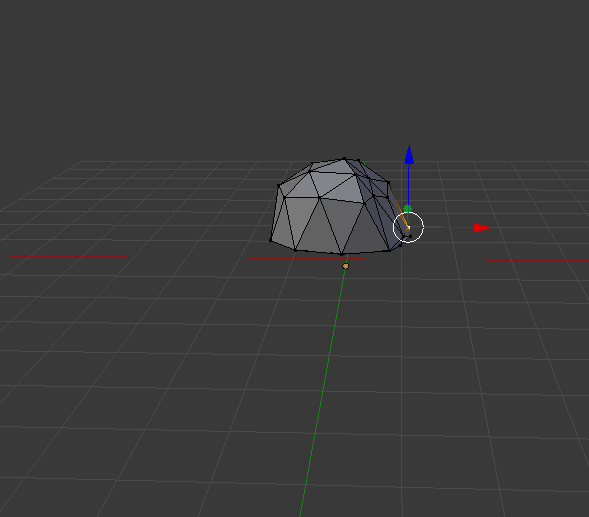
I then added a black material to it to make it look more rock looking.
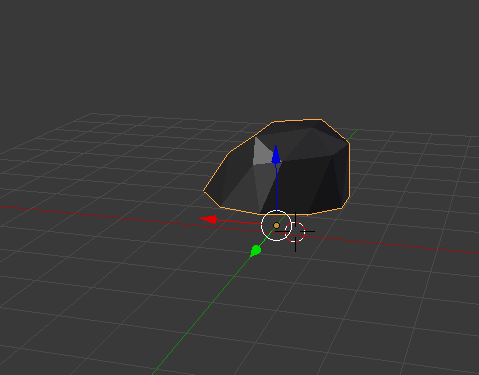
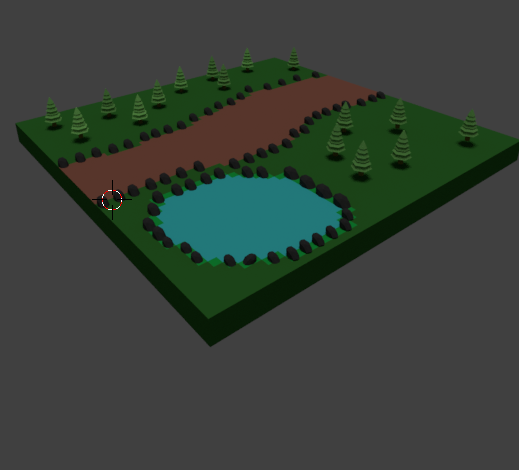
After making the rocks and trees I thought I would start to put it all together now. I created a plane and added a few forest like features to it like a grass material and a pond and a path.
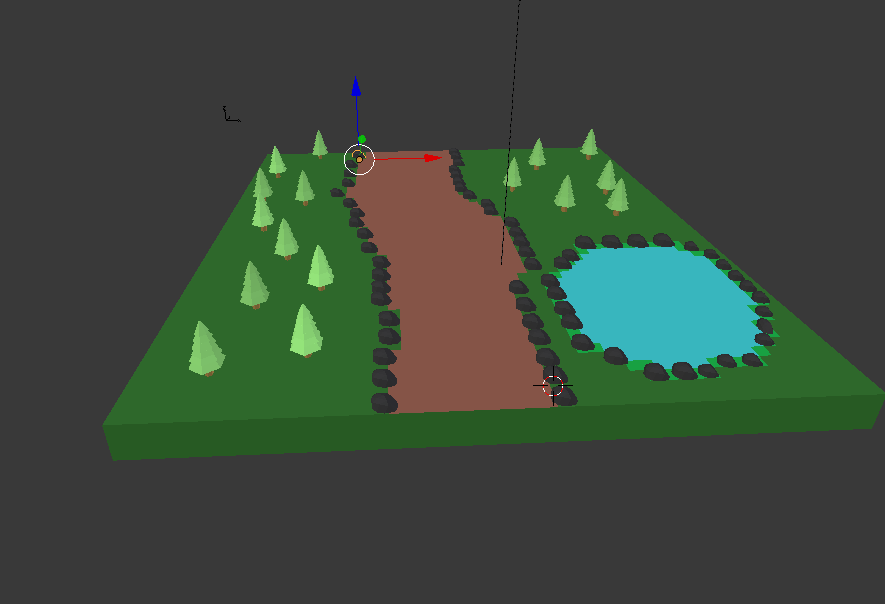
I added a sun to brighten the place up and rendered it.
I then extended the pond to make it look like a stream.
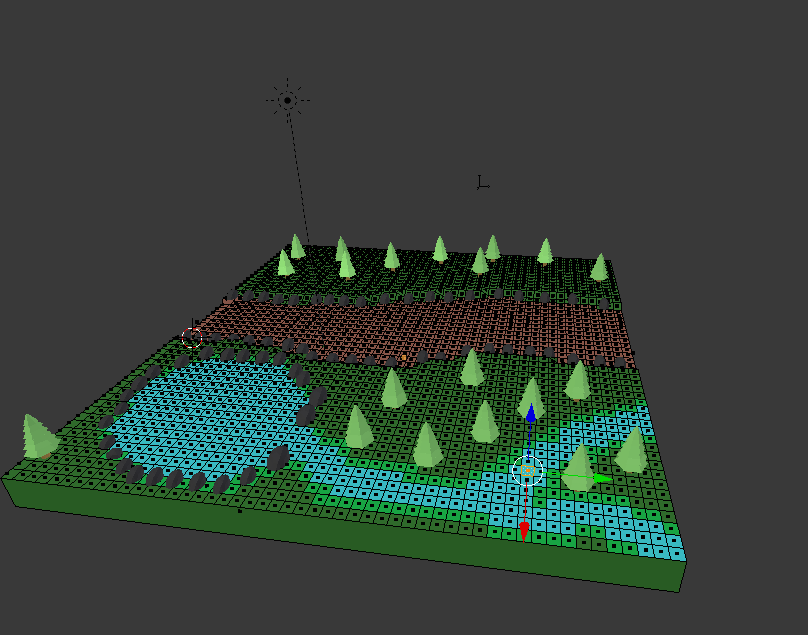
When looking at my forest I realised it was missing a grassy effect.
Grass
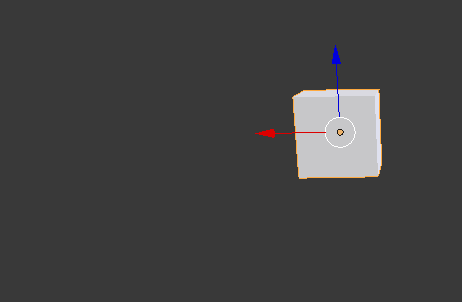
When making the grass I started off with a cube. I then extruded the cube on the 'Z' axes and then I scaled it down a little bit and then extruded and scaled it down some more. I then copy and pasted my grass 2 times and rotated until I thought it was to a grass standard.
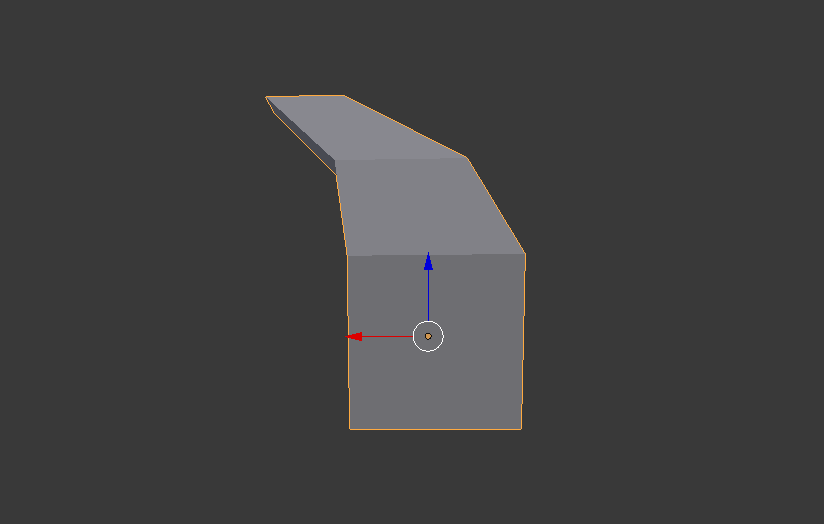
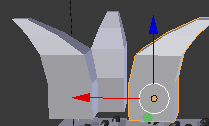
I then gave them a brighter green to make them stand out when looking at my forest.
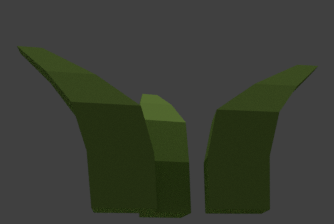
When adding the grass into my environment I also thought it would be a good idea to add an animated river and animate leaves falling off of the trees.
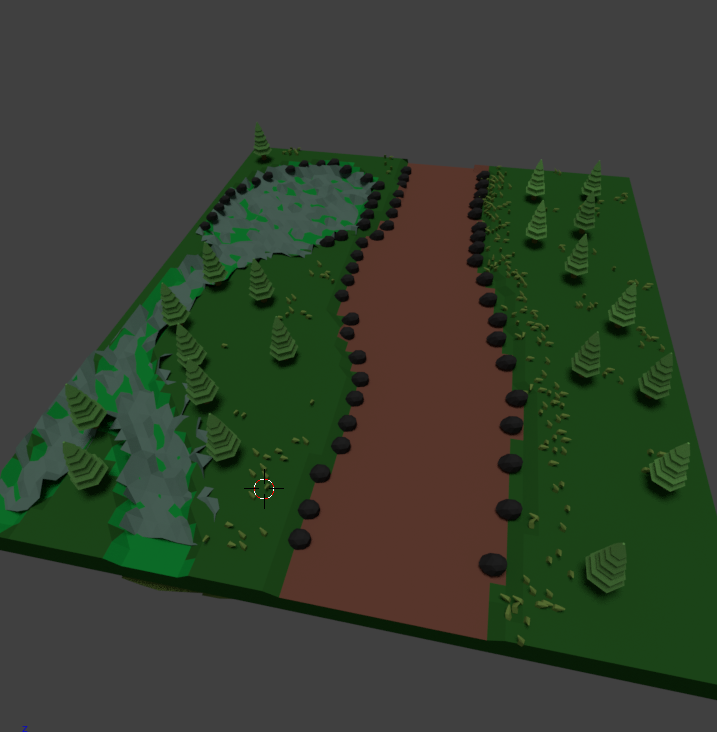
To animate the leaves falling off of the trees i made a cube the same colour as the trees and I added a particle effect to the trees. This means that the cube was paired to the trees to make it look like little cubes are falling.
When animating my river I added an empty object. I paired the object to the river and I moved the river. Doing this made it look as if the river had running water.

No comments:
Post a Comment